Restaurant Management System
Complete restaurant operations — from order to kitchen to cashier close — in one system.
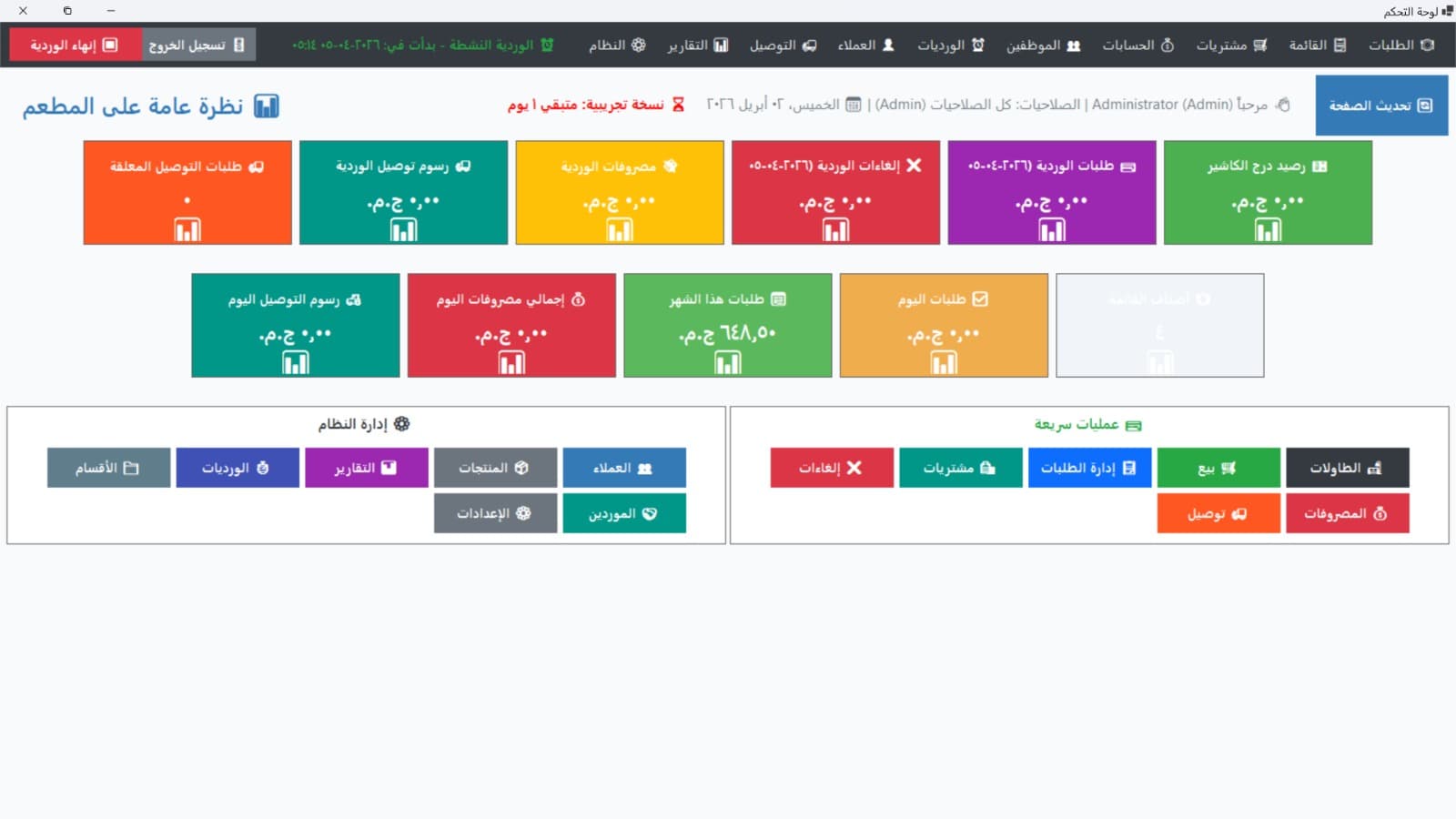
At a Glance
The Problem
A restaurant client needed to replace paper-based order slips and spreadsheet shift reports with a single desktop application their staff could operate without training. Critical requirements: orders must reach the kitchen printer instantly without freezing the cashier screen, and end-of-shift cash reconciliation must catch discrepancies automatically.
The Solution
A full-featured WinForms POS with three dedicated role views — cashier, kitchen display, and manager dashboard. Kitchen ticket printing is offloaded to a background thread queue using ESC/POS socket commands, so the UI thread is never blocked. Shift closure enforces drawer entry against system totals and flags any variance above a configurable threshold.
Architecture
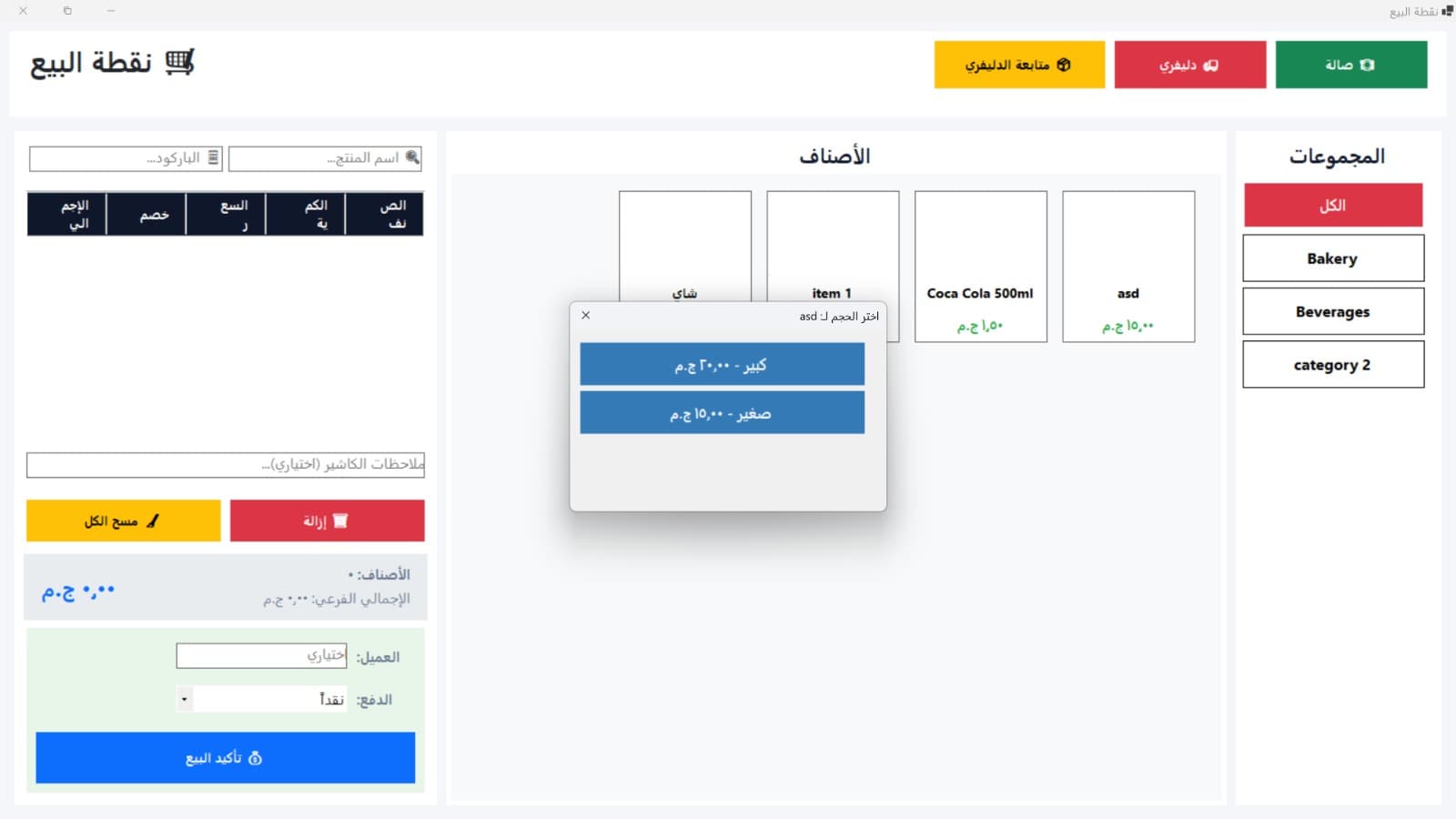
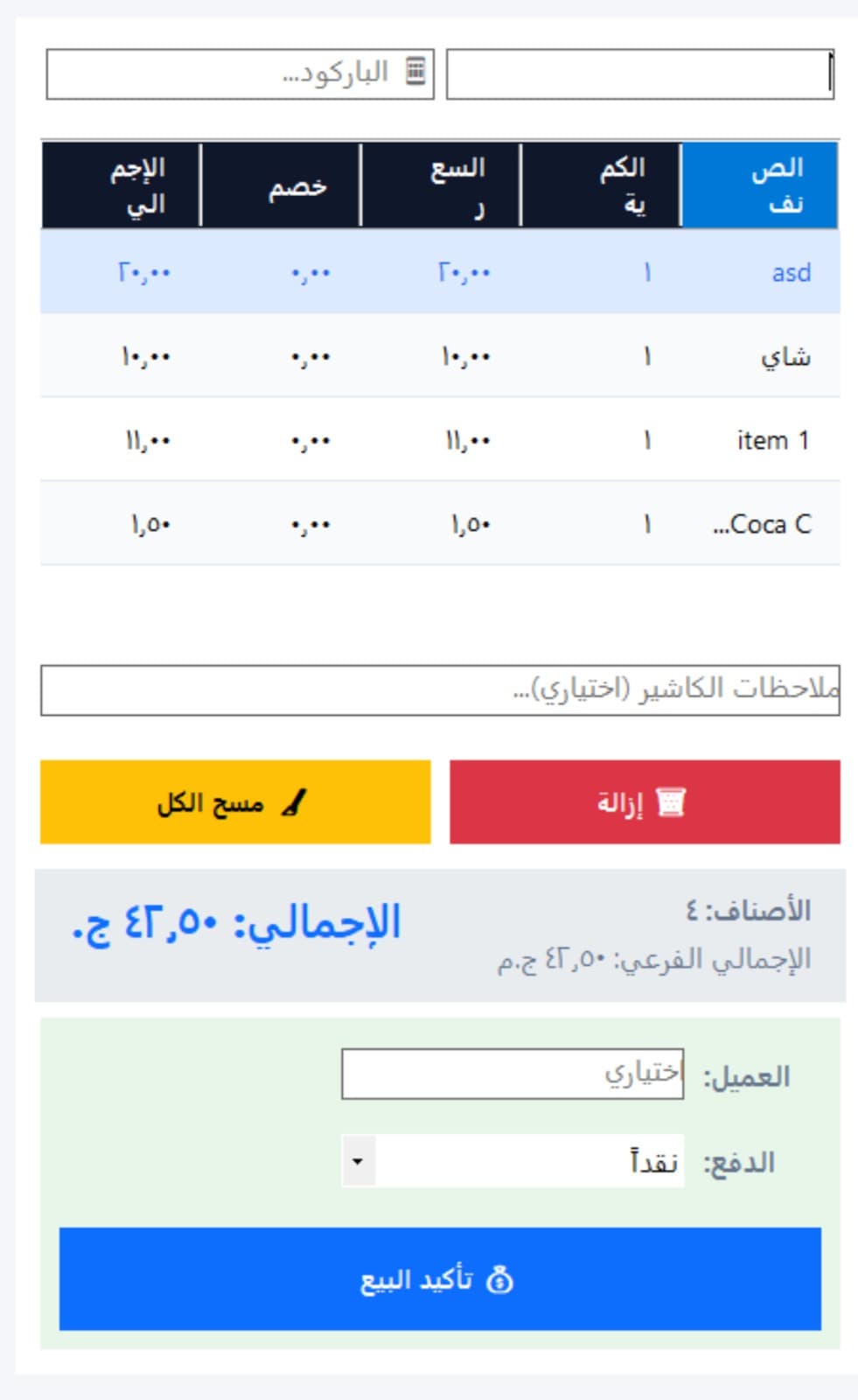
- →POS Terminal (Desktop): C# WinForms with SQL Server, barcode scanner integration, and keyboard-driven checkout for cashier speed.
- →Role Views: Cashier (order entry + billing), Kitchen Display (ticket queue + status), Manager Dashboard (sales charts + inventory + reports).
- →Background Print Broker: Dedicated Task.Run() worker dispatches ESC/POS commands over TCP to kitchen printers without touching the UI thread.
- →Shift Management: Role-scoped shift log enforces drawer reconciliation at close; variances are highlighted automatically.
Key Features
- ✓Complete order management — dine-in, takeaway, and delivery flows
- ✓Delivery zone management with driver dispatching and live order tracking
- ✓Shift-based cashier drawer reconciliation with automatic variance flagging
- ✓Asynchronous kitchen ticket printing (ESC/POS) via background thread queue
- ✓Live sales dashboard with daily revenue graphs (Chart controls)
- ✓Inventory stock-level tracking with low-stock alerts
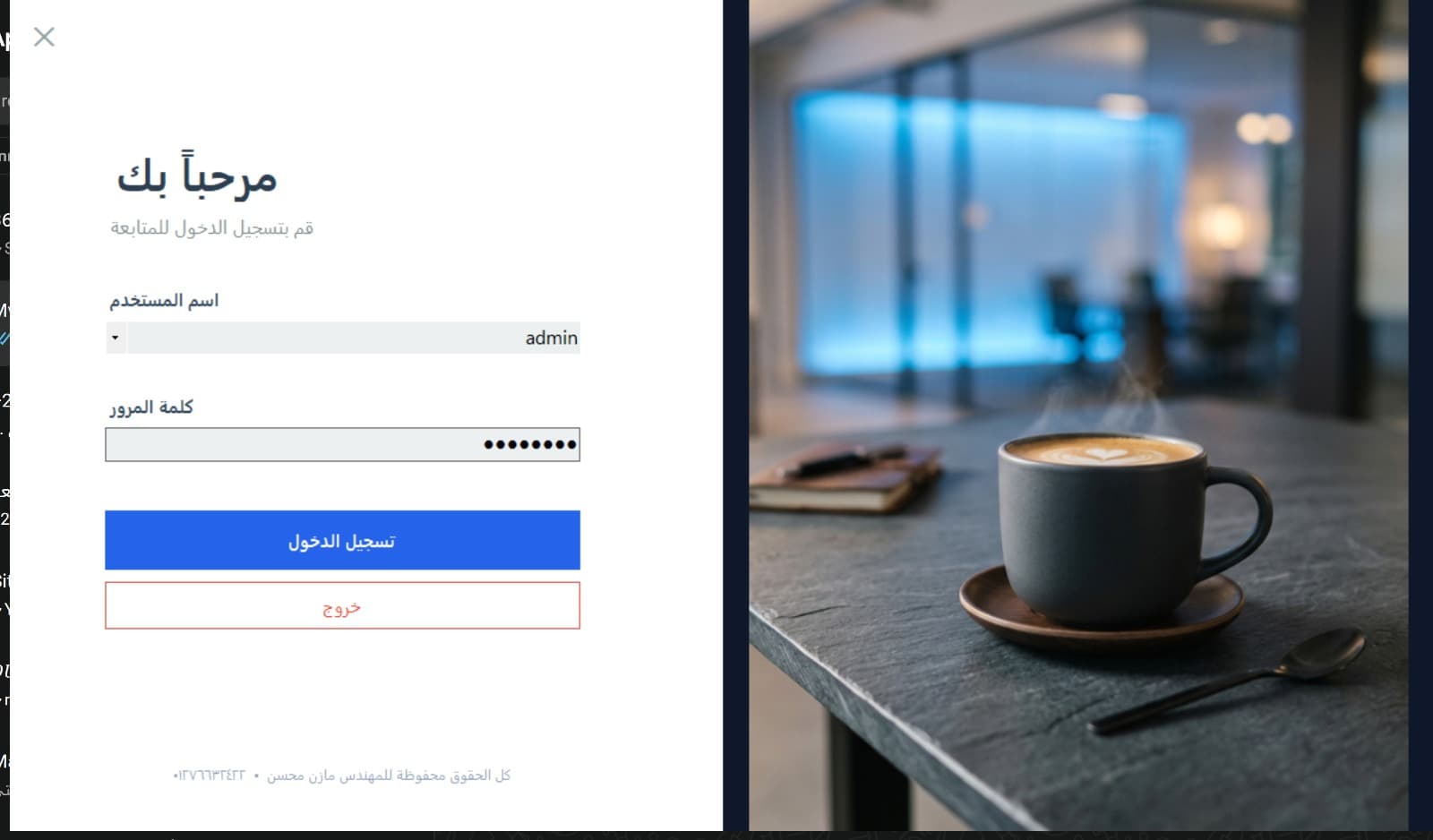
- ✓Role-based permissions — Cashier, Kitchen, Admin
- ✓Modern dark-mode UI optimised for busy, high-throughput environments
- ✓Coupon and discount management
- ✓Database backup and restore utility
Screenshots

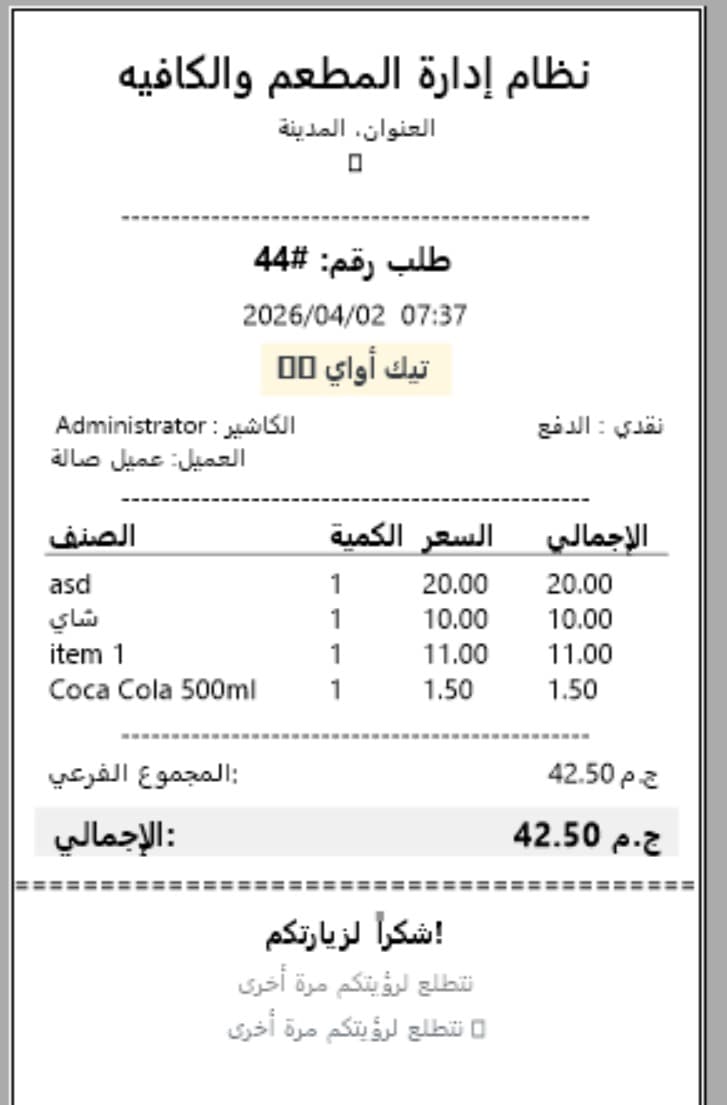
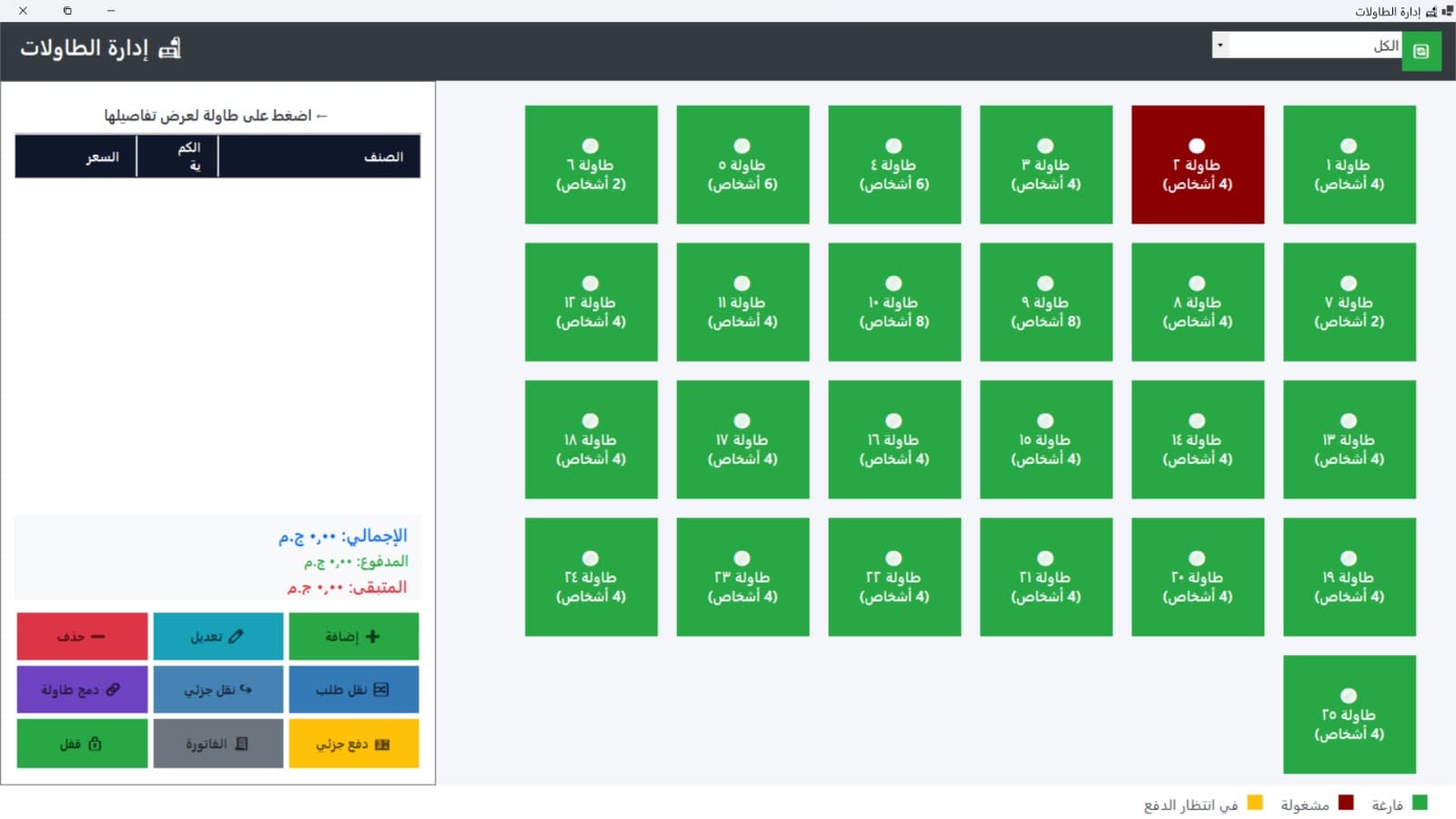
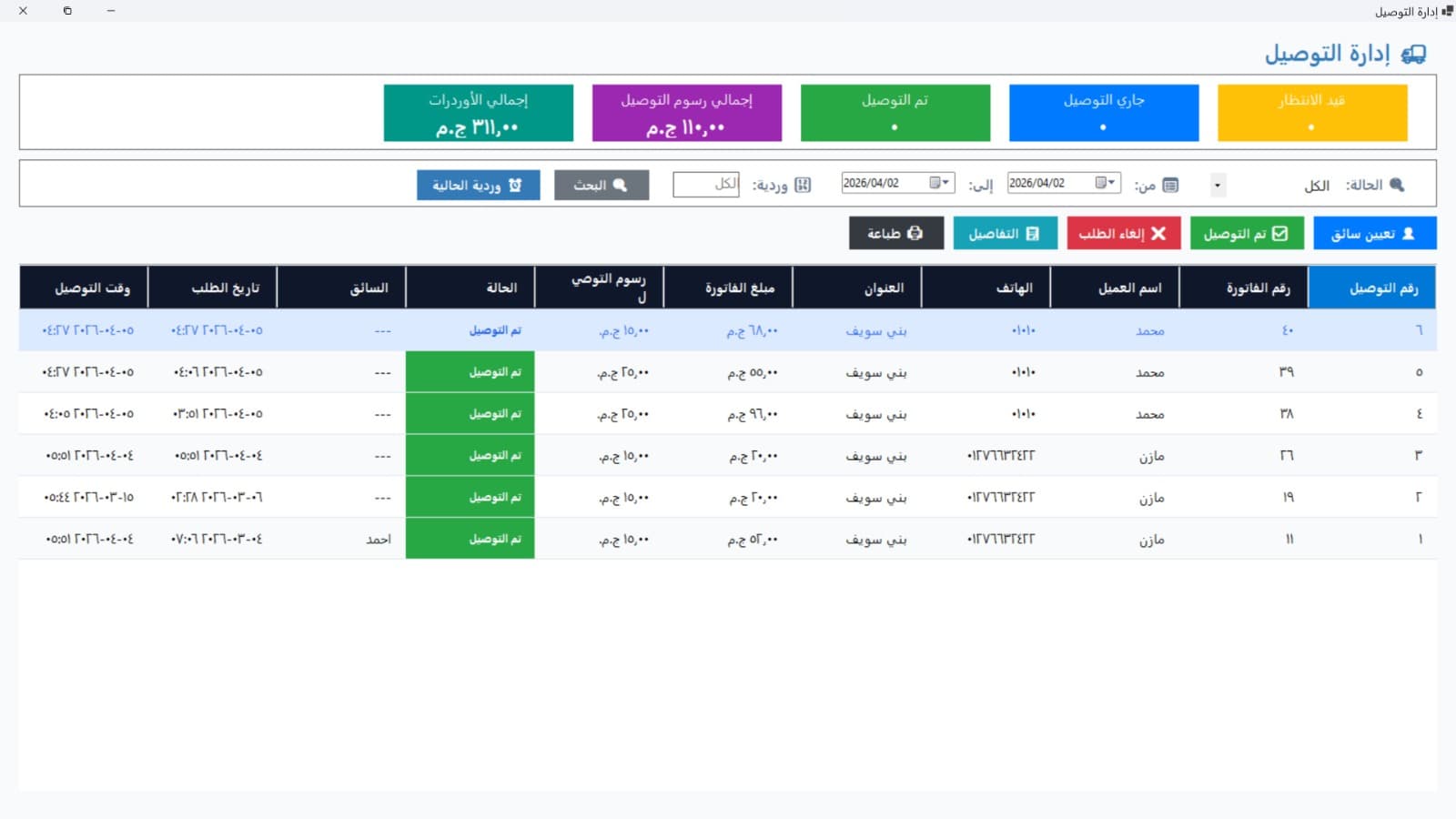
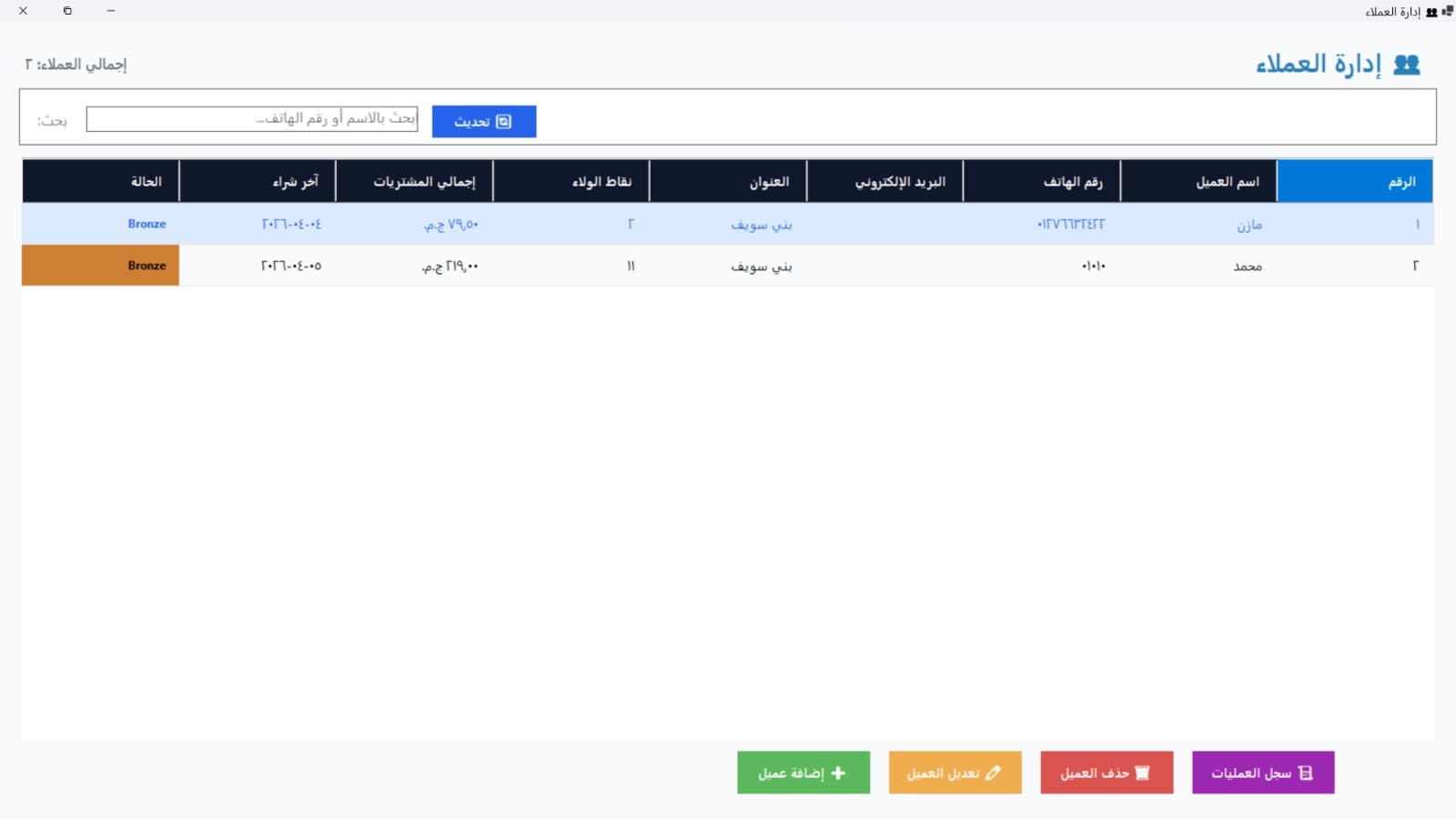
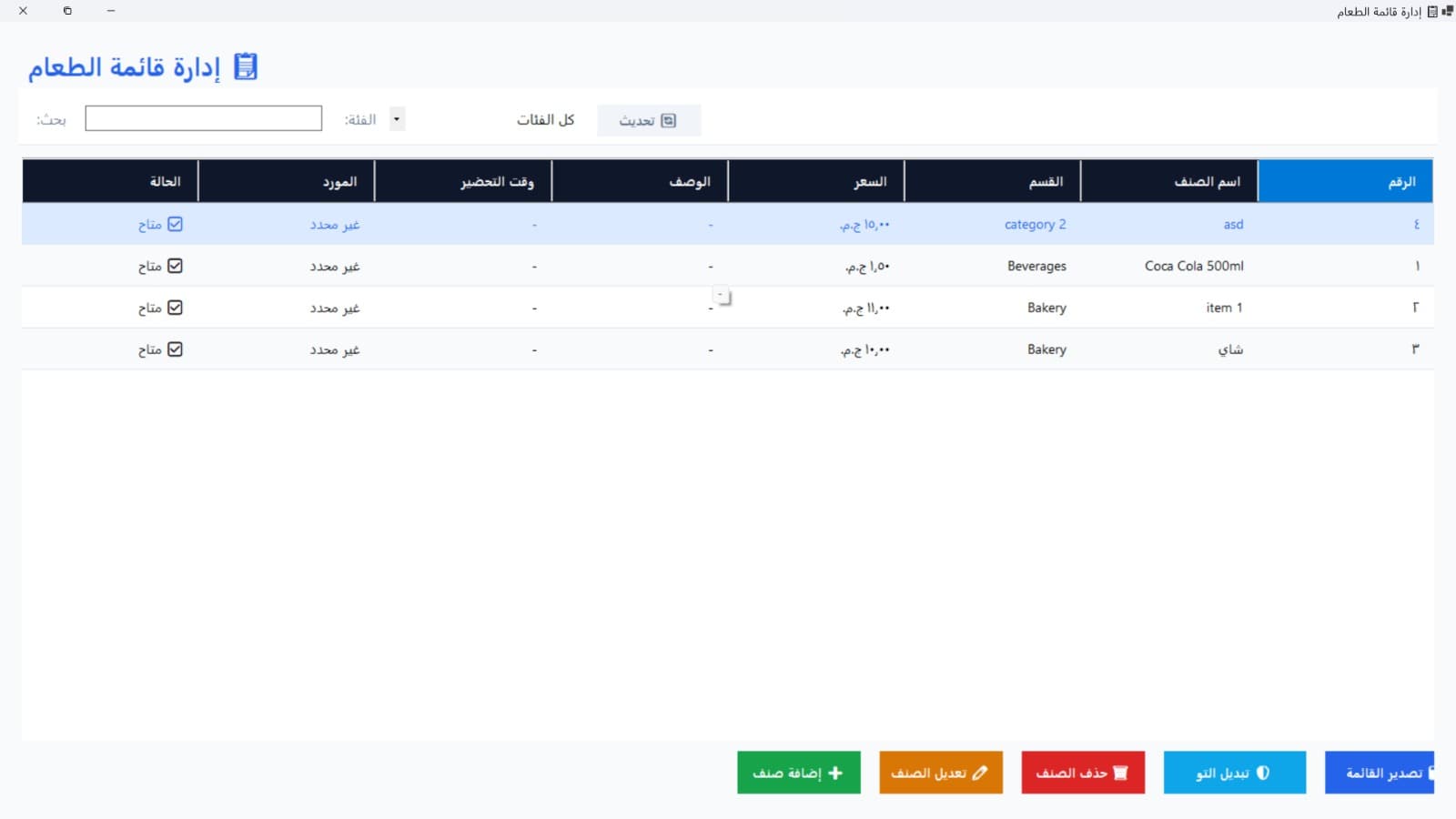
Code Highlight
Challenges & Solutions
🎯 Kitchen receipt printing freezing the cashier UI during heavy throughput
Designed a print broker using background Task.Run() with socket-level timeouts, so cashiers can continue the next transaction immediately while the receipt is printed asynchronously in the background.
🎯 Secure shift-based cash drawer reconciliation without manual arithmetic errors
Implemented role-based shift logs where cashiers enter their drawer balance at shift close; the system automatically compares against the calculated expected total and highlights any variance above the configured threshold.
Tech Stack
What I Learned
- 💡Offloading ESC/POS print actions to background thread queues is essential — blocking the UI thread even for 200 ms noticeably disrupts cashier flow in a high-throughput environment.
- 💡Cashier ledger closures enforce financial transparency and simplify audit workflows — a feature most small POS systems skip but that pays for itself immediately in real operations.
Links
Interested in a similar solution?
Let's discuss how I can build something like this for your business.